Fixing a Google Safe Browsing Warning on Joomla
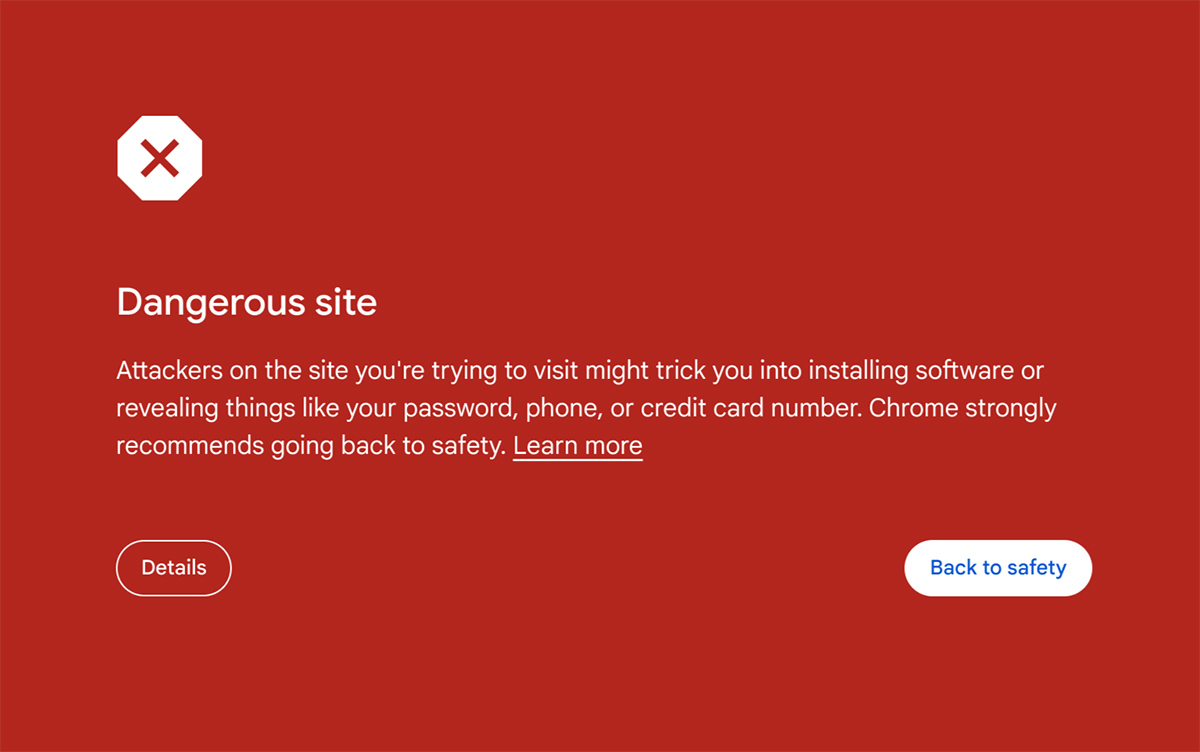
A Google Safe Browsing warning tells visitors that your Joomla website may be dangerous before the page loads. Browsers replace your page with a red screen, so many visitors leave at once. The warning usually means Google found malware, injected code or a fake page on your site. Compare what you see with the usual signs of a hacked site to confirm what happened.
IDL Web Inc is a Canadian, Toronto-based web agency that cleans Joomla websites for businesses in Canada and the USA. Our team finds the infection, removes it and guides the review that gets the warning lifted. Ask for a FREE audit or a FREE quote to start.
What a Google Safe Browsing Warning Means
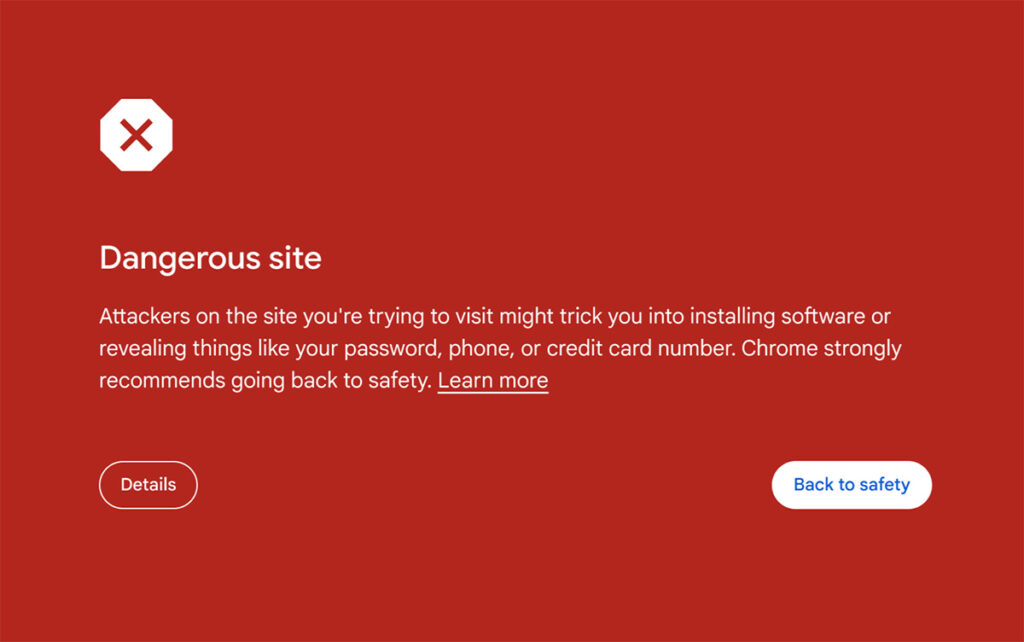
Google Safe Browsing is a list of unsafe websites that browsers check before they open a page. When your domain lands on that list, Chrome and other browsers show visitors a full-page warning. Google Search may also add a warning note under your result. It reflects what Google’s scanners found on your site, not a manual penalty for something you did.
Here are the four warnings visitors see most often and what each one points to.
Deceptive site ahead
Fake pages on your site try to collect passwords or payment details, often stored in a hidden folder.
The site ahead contains malware
Files on the server try to install malicious software on your visitors’ computers.
Harmful programs
Code on your pages pushes unwanted downloads that change the browser settings on a visitor’s computer.
Dangerous site
Chrome shows this general warning when Google flags the site for any of the issues above.
How to Find What Google Flagged
Open Google Search Console and go to the Security issues report. It lists the affected URLs and names the problem as malware, hacked content or social engineering. Only verified owners can see the report, so verify the site first if you have not done so.
These checks look at the site from the outside first and then from the inside.
- Look up your domain in the Safe Browsing site status tool from Google.
- Open your site in a private window to see the warning your visitors see.
- Sort the files on the server by modified date and look for recent changes.
- Search Google for site:yourdomain.com and look for pages you never created.
- Check the list of Joomla administrator accounts for names you do not recognise.
A scanner finds the obvious files but a programmer has to read the results. Our full Joomla cleanup steps show how we separate real infections from harmless files.

Removing the Malware From Joomla
Cleanup starts with a full backup of the files and the database, even when the site is already infected. That copy lets us compare changes later and protects you if a step goes wrong. Then we remove the injected code and replace modified core files with clean copies from the same Joomla version.
Our programmers also check templates, extensions and the database for backdoors that let the attacker return. This work is part of our infected code cleanup service for Joomla websites. We scan again after each pass until the results come back clean.

Seeing the Google Warning Right Now?
IDL Web Inc can help you clear the infection behind the warning. Send us your website address and our web experts will tell you what Google found.
Requesting a Review in Google Search Console
Do not request a review until the site is fully clean, because a failed review costs you time. Open the Security issues report in Google Search Console and choose the option to request a review. Describe what you removed and what you changed so the reviewer can see the fix.
Reviews for malware issues can take several days to finish. Once the warning clears, we run a crawl and indexing review to see whether Google can reach your pages again.
Keeping the Warning From Coming Back
Many reinfections come from the same weak point that the first attacker used. Outdated extensions, weak administrator passwords and old Joomla versions are the usual causes. Fixing these gaps is what separates a one-time cleanup from a repeat problem.
These are the changes we make after a cleanup.
- Update Joomla core and every extension to the latest supported version.
- Remove extensions and templates that are no longer maintained.
- Set strong passwords and two-factor login for every administrator.
- Fix file permissions so the web server cannot write to core folders.
- Add a firewall rule set that blocks known attack patterns.
We apply these changes as part of our work to prevent repeat infections on Joomla websites.
Watching the Site After the Warning Clears
New vulnerabilities in extensions appear regularly, so the site needs regular updates and checks. Recent backups let you restore a clean copy quickly if an infection returns. Alerts for file changes and downtime can show a problem before Google does.
Many clients choose a Joomla care plan so a programmer tests each update and checks the site afterwards.
Who Does the Cleanup
IDL Web Inc is a Canadian web design and development company based in Toronto. Our Joomla programmers and security specialists handle the files, the database and the review request as one job. Working across both areas helps us recognise how these infections behave and where they hide.
Need Help With a Google Warning?
Send our team your website address and we will start with a free audit. We tell you what Google found and what it will take to clean it.
Frequently Asked Questions
How long does a Google Safe Browsing warning last?
The warning stays until Google reviews the site and finds it clean. A malware review can take several days, so submit it only after the cleanup is finished. If the infection returns, Google can flag the site again.
Can I remove the warning without cleaning the site?
No, because Google rechecks the pages during a review and any remaining malware fails it. Hiding the visible symptoms usually leads to a second warning.
Does the warning hurt my Google rankings?
The warning is not a ranking penalty, but visitors leave when they see the red screen, so traffic drops quickly. Google may also label or remove hacked pages in search results until they are fixed. Finishing the cleanup and the review lets those pages return to normal listings.
Do you clean Joomla websites outside Toronto?
Yes, we are a Canadian, Toronto-based web agency that works remotely with businesses across Canada and the USA. Send us your website address and we will review it first.